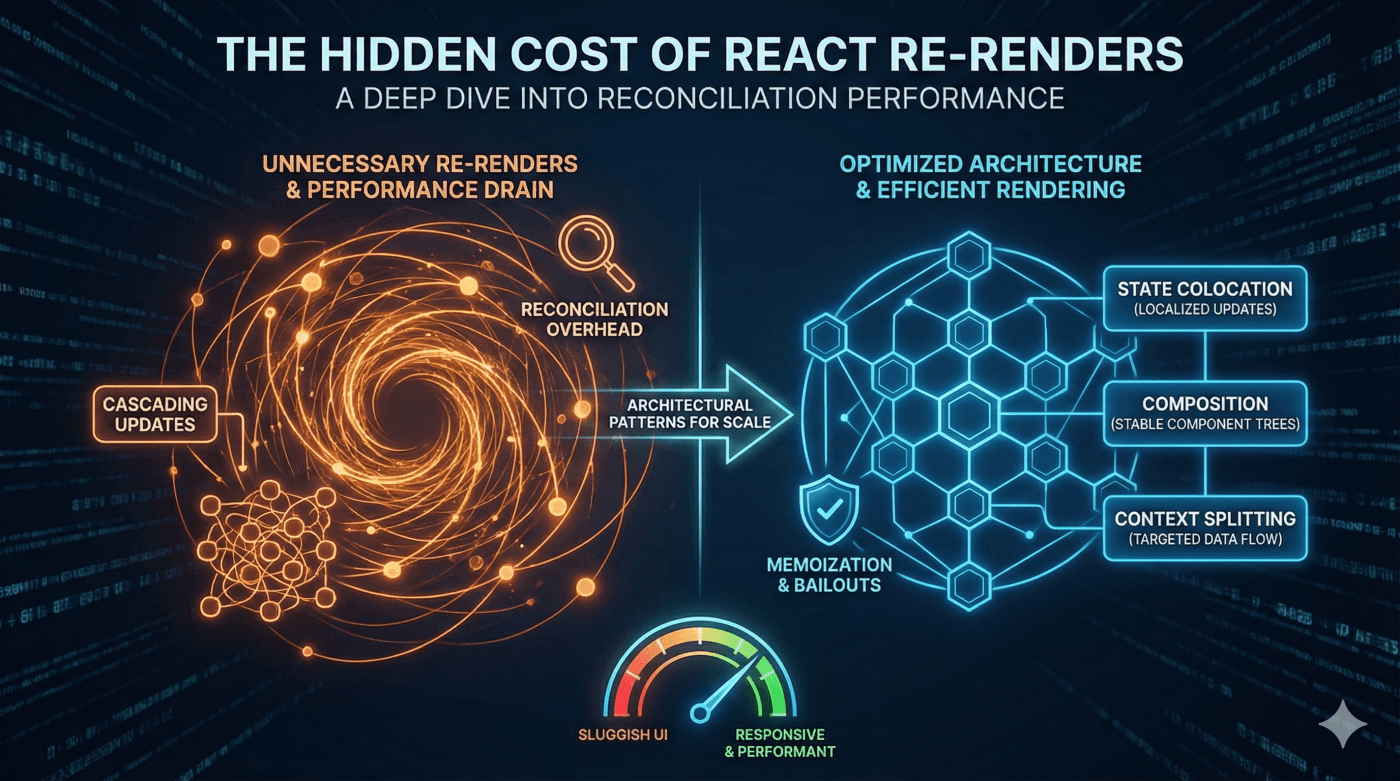
React's declarative programming model has revolutionized how we build user interfaces, but beneath its elegant surface lies a complex reconciliation algorithm that can make or break your application's performance. While most developers understand that unnecessary re-renders are "bad," few truly grasp the cascading performance implications of React's rendering process—or how to architect applications that work with, rather than against, React's model.
In this deep dive, we'll explore the true performance characteristics of React, examine real-world scenarios where conventional wisdom fails, and discuss architectural patterns that can dramatically improve your application's performance profile.
Understanding React's Rendering Process: Render and Commit
React's updates are often misunderstood as a three-step process, but officially, the framework models updates in two primary phases. Understanding this distinction is vital for performance tuning.
- The Render Phase:React calls your components to determine what should appear on the screen. During this phase, React compares the new result with the previous one (this comparison is often called "reconciliation") to calculate the necessary changes.
- The Commit Phase: React applies those calculated changes to the actual DOM.
React Documentation Insights
"Trigger a render -> React renders your components -> React commits changes to the DOM"
— React Documentation: Render and Commit
While the commit phase is expensive (DOM mutations are slow), the render phase can also become a bottleneck in large applications. Even if no changes are committed to the DOM, the computational cost of generating component trees and diffing them can block the main thread, leading to a sluggish UI.
The Specifics of Optimization Boundaries
Modern React applications emphasize component composition. However, large component trees can introduce overhead if updates aren't managed correctly.
A common misconception is that React must always traverse the "entire tree" to reconcile updates. In reality, React optimizes this process using memoization. When a component is wrapped in React.memo, React checks if the props have changed. If the props are identical to the previous render, React skips executing the component function and reuses the previously rendered Fiber subtree. This effectively avoids the render work for that entire branch.
React Documentation Insights
"React normally re-renders a component whenever its parent re-renders. With memo, you can create a component that React will not re-render when its parent re-renders so long as its new props are the same as the old props."
— React Documentation: Skipping re-renders with memo
This means the cost is not a full tree traversal of new elements, but rather the cost of the prop comparison and reusing the existing Fiber nodes.
State Colocation: A Powerful Performance Pattern
One of the most effective—yet underutilized—performance optimization techniques is state colocation: moving state as close as possible to where it's actually used. This approach minimizes the rendering scope by ensuring that state updates only trigger re-renders in the specific subtree that depends on that state.
State Colocation Example
// Optimized pattern: State colocated with its consumers
function Dashboard() {
  return (
    <Layout>
      <Sidebar>
        <FilterSection /> {/* State lives inside here */}
      </Sidebar>
      <MainContent>
        <DataSection />
      </MainContent>
    </Layout>
  );
}

function FilterSection() {
  const [filter, setFilter] = useState('all');

  return <FilterControls filter={filter} onChange={setFilter} />;
}
By colocating the filter state within FilterSection, we create a natural performance boundary. When the filter changes, only the FilterSection subtree renders—the rest of the application remains untouched.
The Context API Performance Nuance
React's Context API is excellent for avoiding prop drilling, but it comes with a performance caveat: All consumers that read a context will re-render when the context value changes.
Crucially, React determines "change" using object identity (Object.is). If you pass a new object to your Provider during every render (e.g., value={{ user, setUser }}), all consumers will re-render even if the underlying data hasn't changed.
React Documentation Insights
"React automatically re-renders all the children that use a particular context starting from the provider that receives a different value. The previous and the next values are compared with the Object.is comparison."
— React Documentation: useContext Caveats
To solve this, you should split contexts based on their update frequency (e.g., separating UserContext from ThemeContext) or use useMemo to ensure the context value object maintains referential identity unless its dependencies change.
Composition Over Memoization
React.memo(), useMemo(), and useCallback() are powerful tools, but they add code complexity. A more fundamental approach is to leverage component composition.
When a wrapper component updates its own state, it must re-render. However, if the props it passes to its children (specifically the children prop) are referentially equal to the previous render, React's reconciliation algorithm detects this stability. It will then reuse the existing Fiber subtree for those children, avoiding the need to run their component functions again.
React Documentation Insights
"When a component visually wraps other components, let it accept JSX as children. This way, when the wrapper component updates its own state, React knows that its children don't need to re-render."
— React Documentation: Memoization Principles
Composition Example
// Optimized: ExpensiveComponent passed as children
// When Dashboard updates its own state (count), ExpensiveComponent
// is NOT re-rendered because the "children" prop reference remains stable.
function Dashboard({ children }) {
  const [count, setCount] = useState(0);

  return (
    <div>
      <button onClick={() => setCount(c => c + 1)}>
        Count: {count}
      </button>
      {children}
    </div>
  );
}

// Usage
<Dashboard>
  <ExpensiveComponent />
</Dashboard>
Because ExpensiveComponent is instantiated in the parent scope (which didn't re-render), the children prop passed into Dashboard is the exact same object instance as before. React detects this identity match and bails out of rendering the children slot.
Measuring What Matters: Performance Profiling
The most critical skill for optimizing React applications is knowing where to optimize. The React DevTools Profiler provides detailed insights into your application's rendering behavior.
- Flame graphs visualize which components re-render and how long they take.
- Ranked charts identify the most expensive components in your tree.
- "Why did this render?" tool highlights exactly which prop or state change triggered the update.
React Documentation Insights
"If a specific interaction still feels laggy, use the React Developer Tools profiler to see which components would benefit the most from memoization."
— React Documentation: Profiling
Architectural Patterns for Scale
As applications grow, architectural decisions have outsized performance implications. Consider these patterns for large-scale React applications:
- Boundary Components: Create explicit performance boundaries using context and composition to prevent state changes in one feature from triggering reconciliation in unrelated features.
- Windowing for Large Lists: For lists with hundreds of items, use virtual scrolling libraries like react-window to render only the visible items.
- Code Splitting by Route: Lazy-loading route components with
React.lazy()andSuspenseensures that you only load and reconcile the code needed for the current view. - External State Management: For complex state interactions, libraries like Zustand, Jotai, or Redux Toolkit allow for fine-grained subscriptions that can sometimes bypass the top-down React render cycle for specific updates.
Conclusion: Performance is Architecture
React's rendering model is remarkably efficient, but it operates within constraints defined by your architecture. The most significant performance gains come not from micro-optimizations, but from thoughtful decisions like state colocation and component composition.
By understanding the distinct phases of rendering and leveraging React's built-in composition model, you can build applications that remain responsive and performant even as they scale.